I built an open-source and TUI-based AI note taker app (Granola alternative) for Linux

I recently moved to Linux, after almost twenty years on Mac OS.
The only application I really missed?
Granola. The amazing AI-powered note-taker.
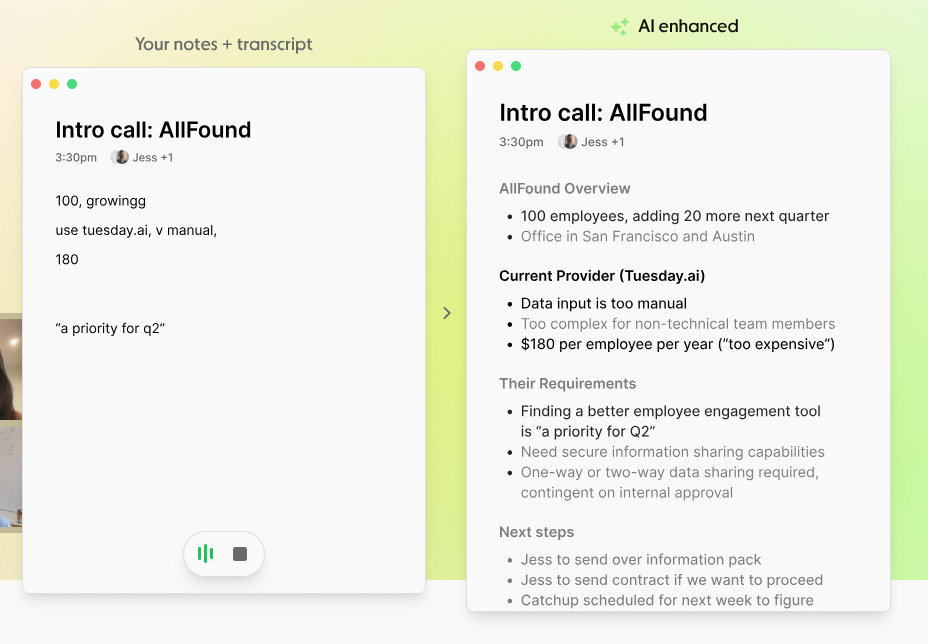
My first few days without Granola felt like stepping back in time. Yes, to that crazy world of just 3 years ago where we… wrote meeting notes! After relying on Granola for over 12 months, interrupting people in meetings with, “Hey can you say that again, I just want to write it down”, felt awfully strange.
So, I set out to build a TUI version of Granola for Linux specifically. I wanted it to be an interface inside the terminal and initially, my plan was for it to be totally offline, local and free.
I started off using the Ollama 3b model (which is about 2gb in size), but sadly though, I have to say, the local models just aren’t as good. They work (and in principle are a really cool and amazing technology), but they’re considerably slower (for obvious reasons). So after some experimentation, I switched to using cloud APIs, albeit the app still supports using Ollama models too!
Back to the app itself.
It’s pretty basic. You open the app, press the “r” key to start recording, and you are away. The app is recording all system audio (i.e. the audio from your mic and the audio from Teams, Meet, Huddle etc). Just press the “s” key to stop the recording and start the processing.
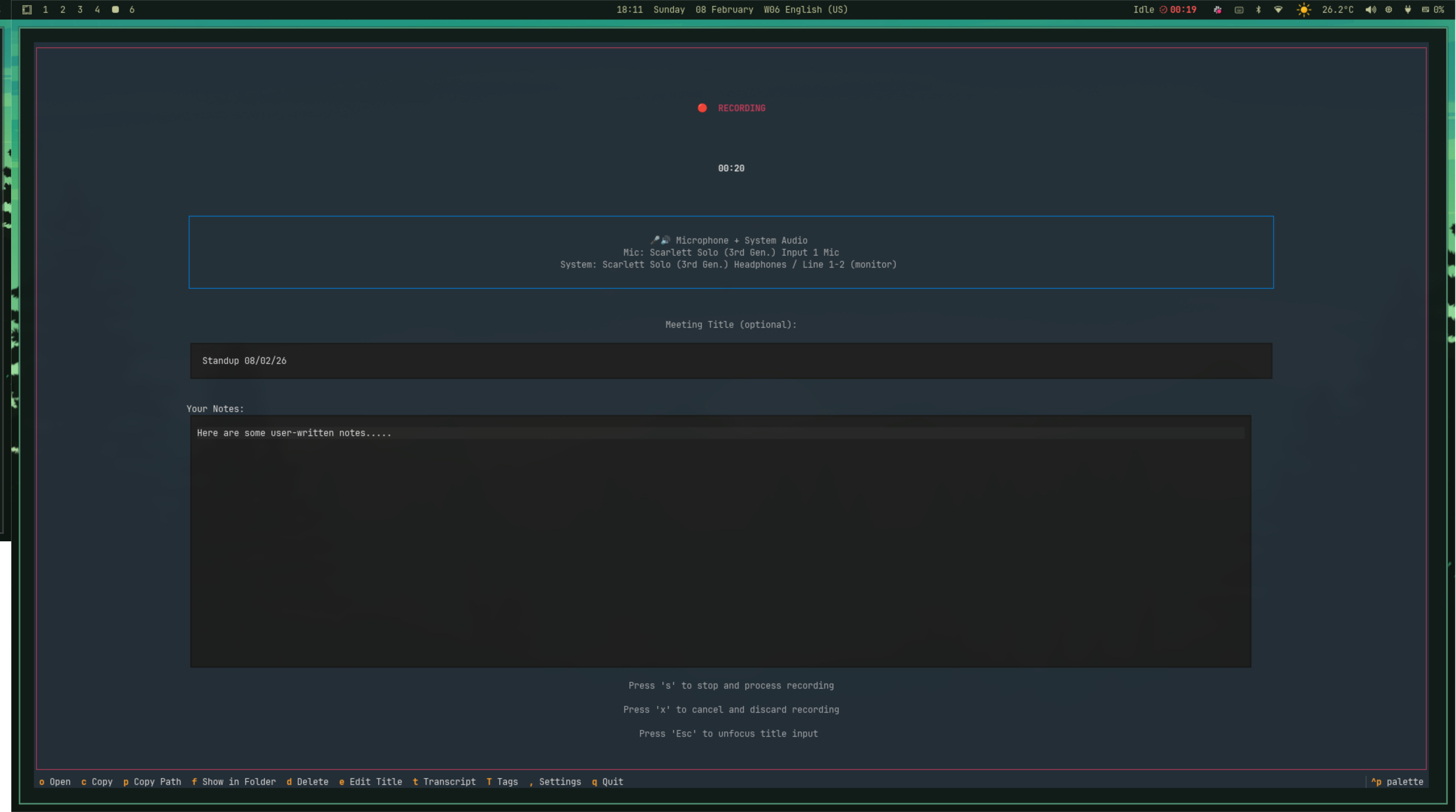
From there, the audio is transcribed locally using Whispr (a free and local speech-to-text model from OpenAI), and then the transcription is passed over to your LLM of choice for summarisation. Finally, a note is created and stored in the directory of your choosing. At this point, the audio recording is trashed (as they are pretty big files).
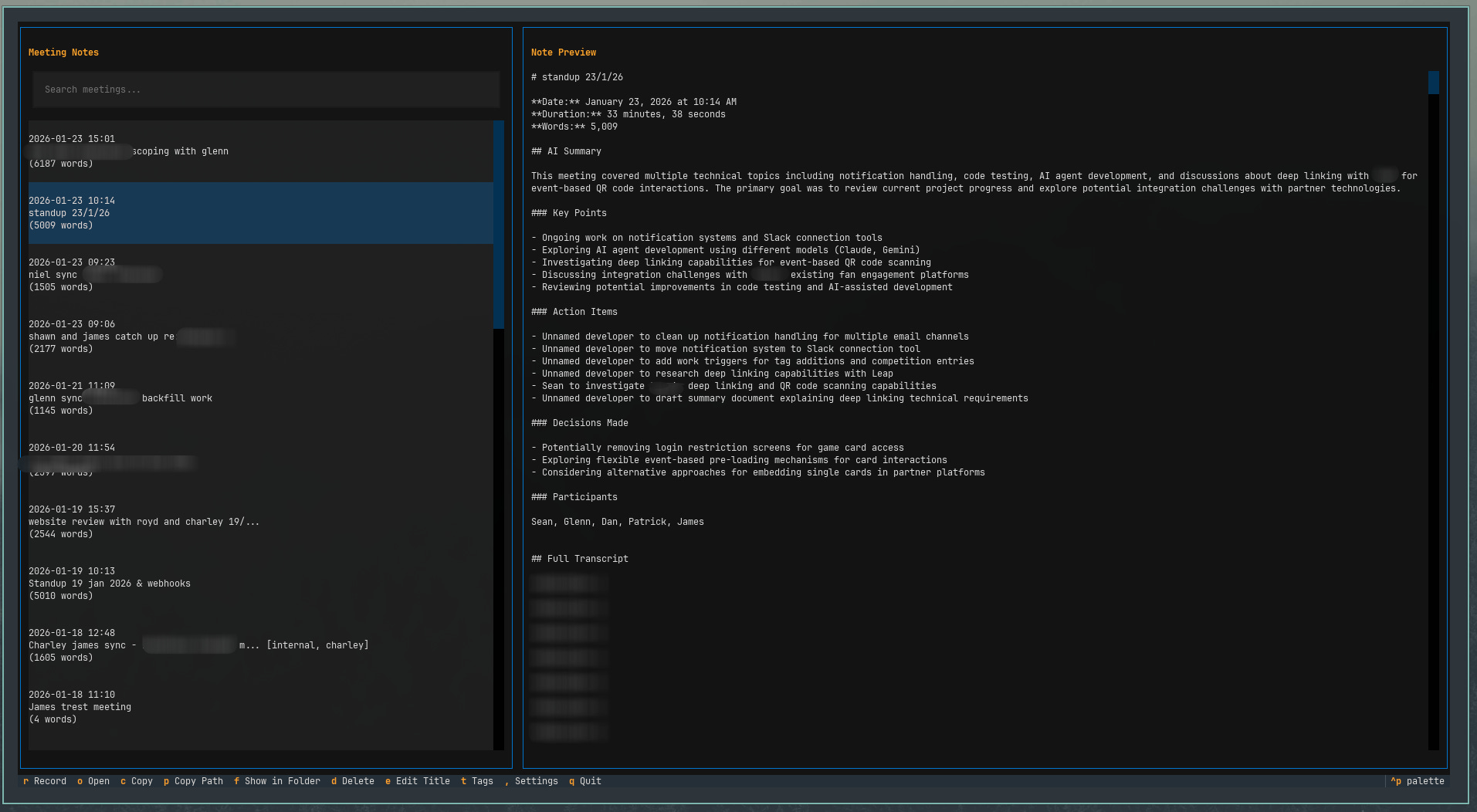
It’s all keyboard driven. I can copy the contents of the note to my clipboard by pressing “c”, I can add Tags with “t” and open the note in the file system using “o”. Training myself to use the keyboard more, and rely far less on the mouse, is one of the big things I’ve enjoyed since moving to Linux. Moving faster.
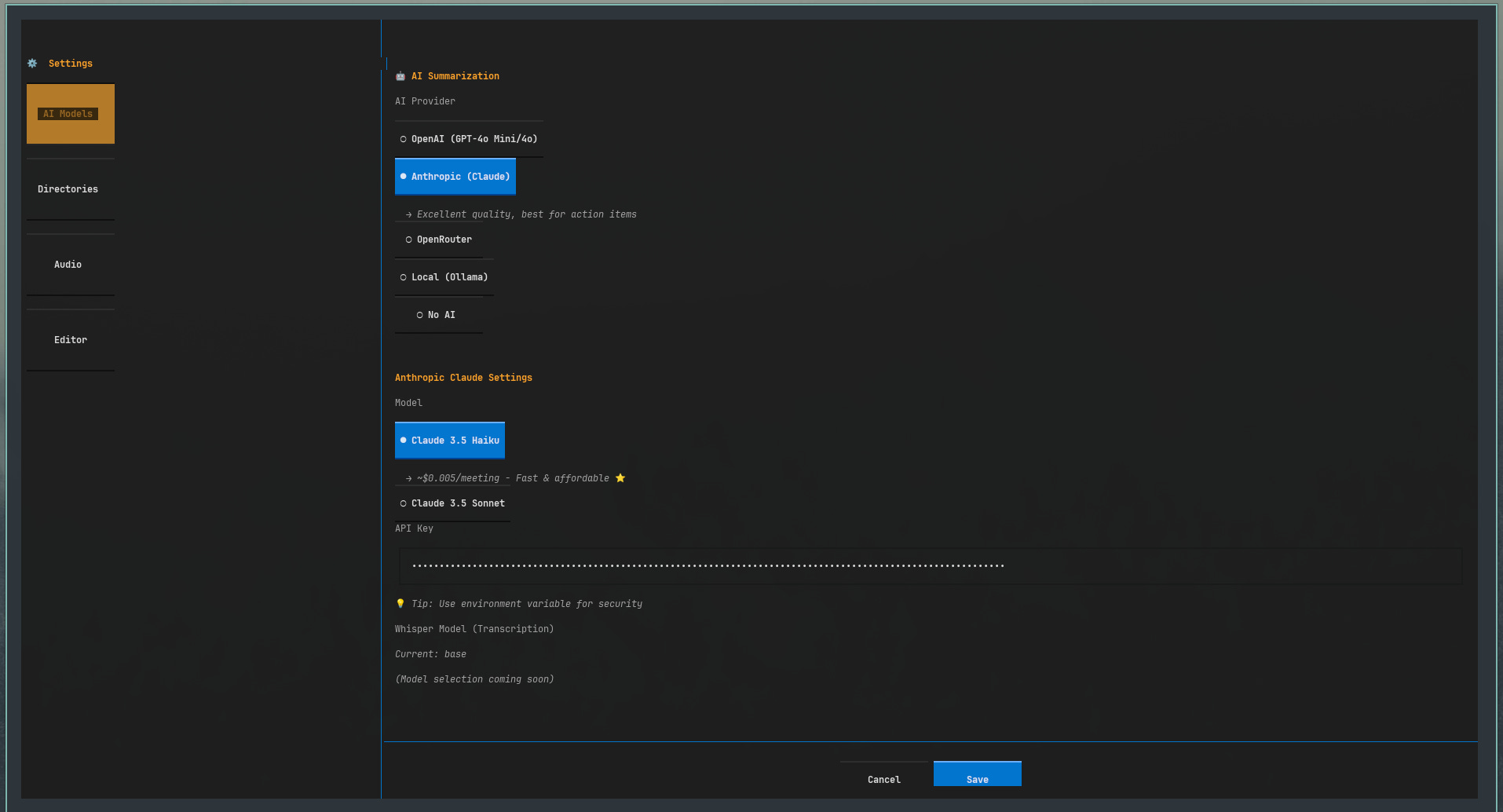
In terms of configuration, you can pick your model, bring your own API key, and as mentioned earlier, you can even run Ollama models locally on your own machine (i.e. offline) if you want. It’s free, but slow (but also totally private). You can choose where in your file system to store your notes (mine go straight into my Obsidian vault), and you can configure which editor you want to open notes in (vs code, typora, vim etc).
I’ve been using the app daily now for a month or so, and I really like it! Here’s why:
It’s really fast. I just press Super + M on my keyboard and the app launches (in a terminal window) and I’m just one keystroke away from starting a recording. In other words, to open the app and start a meeting all I need to do is press “Super + M” and then “r”.
It just does what I need it to do. It isn’t marketing to me new features or trying to push me to use anything I don’t want to use. It’s perfect in size and scope for me.
It taught me a bunch of new concepts. I had no idea how anything to do with system audio worked before, but now, after tinkering with the code and doing some research, I know a lot more about how this all works.
In terms of roadmap, there are a few things I’d like to add:
Google Calendar integration. If nothing else, just to automatically pull in the names of the participants will help with speaker ID.
Semantic search. I may play with Tobi’s qmd project and try add really nice semantic search on top.
Live transcription. This would then allow me to do a lot of the cool things Granola does with “What was just said?” actions etc.
Even though AI wrote a lot of the code, I still expanded my knowledge, all whilst getting a new and helpful tool for myself. I actually think this is one of the biggest benefits of building your own tools. Skeptics will tell you it’s a waste of time and you should just go and pick the best tool, which in a purely rational sense may be true, but it misses something important: that every new project is expanding your knowledge and understanding of how software (and more importantly, your computer) works.
If you want to try it out, check out the repo here.